Skip to main contentManaging Save Videos and Transcripts
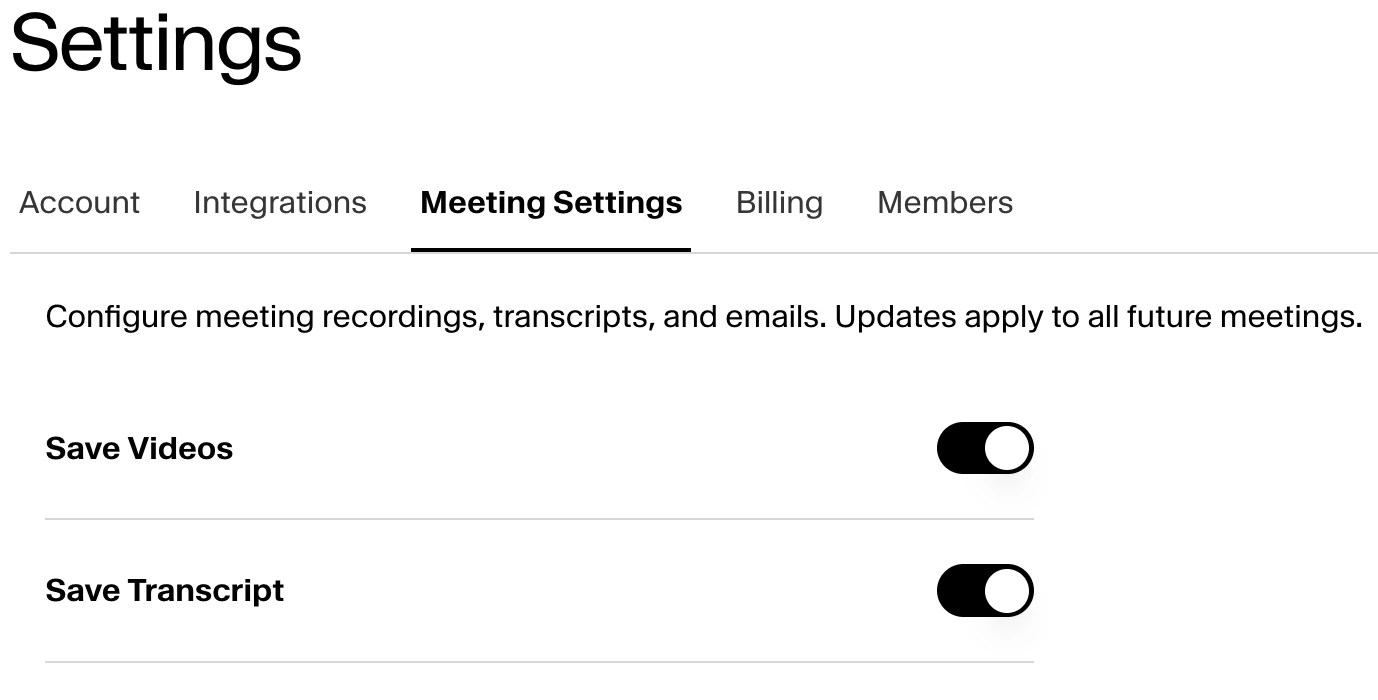
You can configure meeting recordings and transcripts in Settings / Meeting Settings. Videos and transcripts are saved by default. If Save Videos or Save Transcripts are toggled off, then updates will be applied to all future meetings.
Auto-Schedule Notetakers
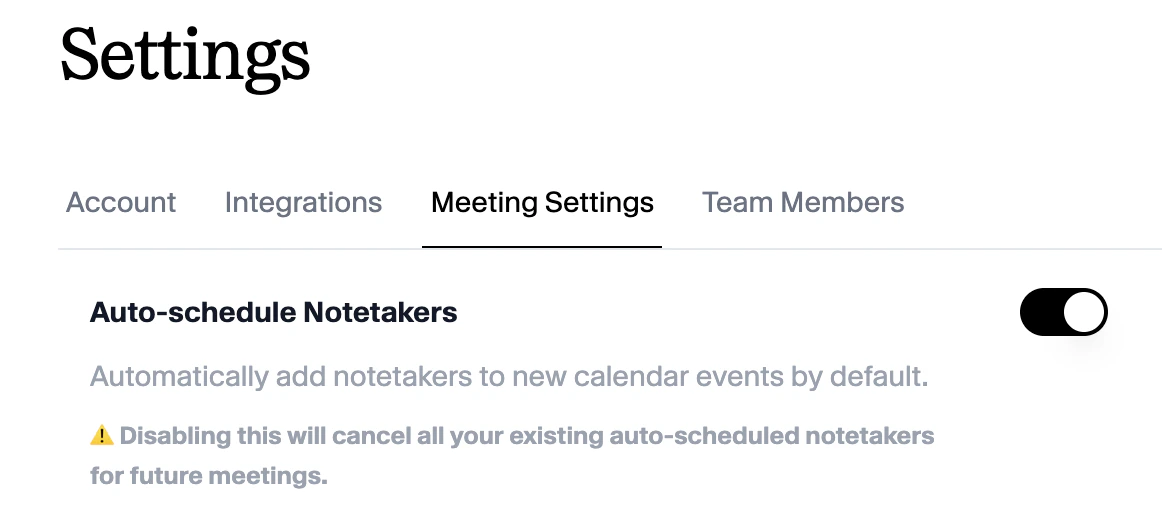
Notetakers are automatically added to new calendar events by default. You can disable Auto-schedule Notetakers by toggling off ‘Auto-schedule Notetakers’ in Settings / Meeting Settings. Disabling this will cancel all your existing auto-scheduled notetakers for future meetings.
Updating the Notetaker’s Name
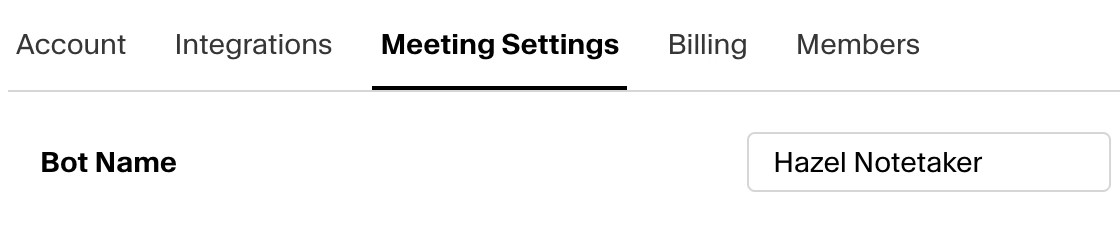
You can configure the name of the notetaker joining your meetings in Settings / Meeting Settings / Bot Name. By default, the notetaker will be names ‘Hazel Notetaker’. Any changes made will be applied to all future meetings.
Adjusting the Scheduled Join Time
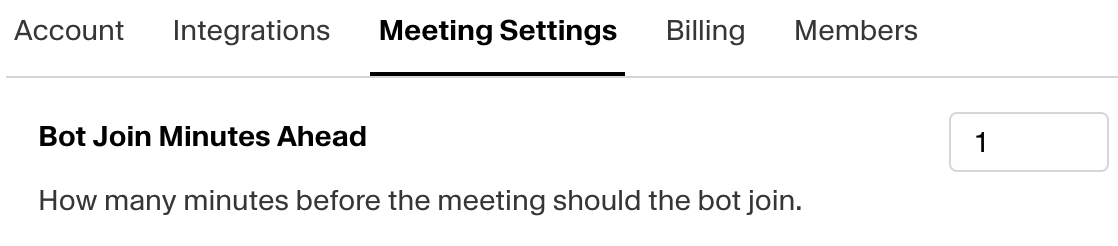
You can configure how many minutes before the meeting the bot should by adjusting in Settings / Meeting Settings / Bot Join Minutes Ahead. By default, the notetaker will join your meetings 1 minute ahead of the scheduled meeting time. You can adjust this as early as 10 minutes before the scheduled meeting time.