Skip to main contentManaging Integrations
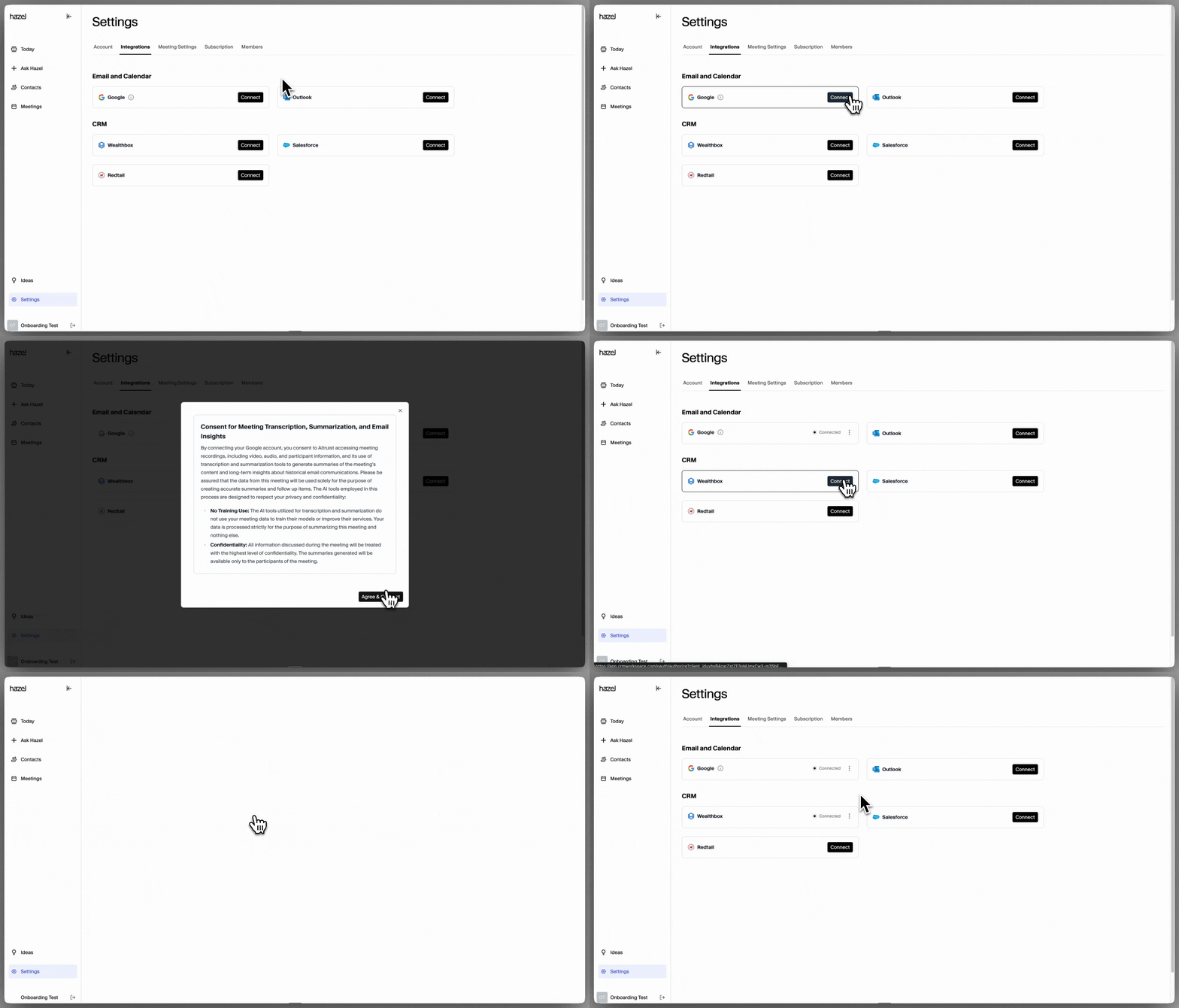
Connect Hazel with your CRM, email, calendar and more. If you didn’t connect during the onboarding flow or would like to check on your connections, simply head to Settings → Integrations to manage your integrations.
Integration Status
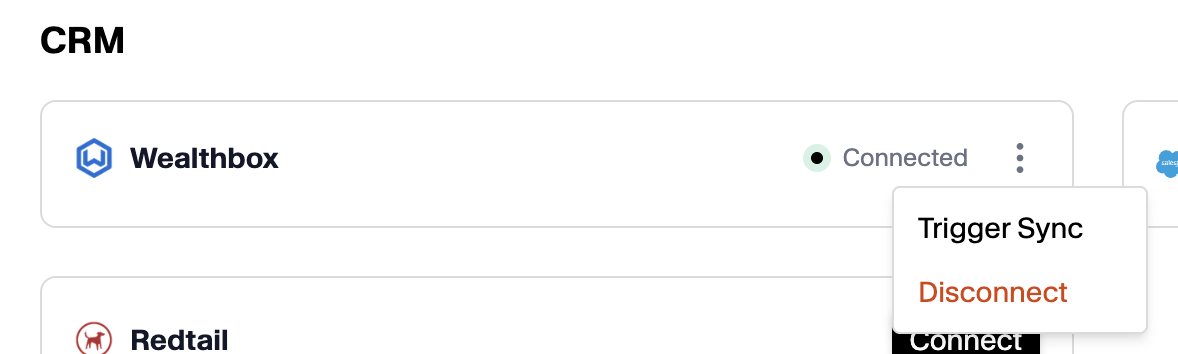
Once you go through the permissions and set up your integrations, there will be a green dot indicating you are Connected.
You can disconnect your integrations by clicking on the menu icon, then Disconnect.
You can refresh your CRM connection by clicking on Trigger Sync.