Ignore Meetings Individually
Ignore Meetings Individually
When in the Overview or Meetings view, there is an option to ignore meetings one a one-off basis. Click on the menu icon for the meeting and click ‘Ignore Meeting.’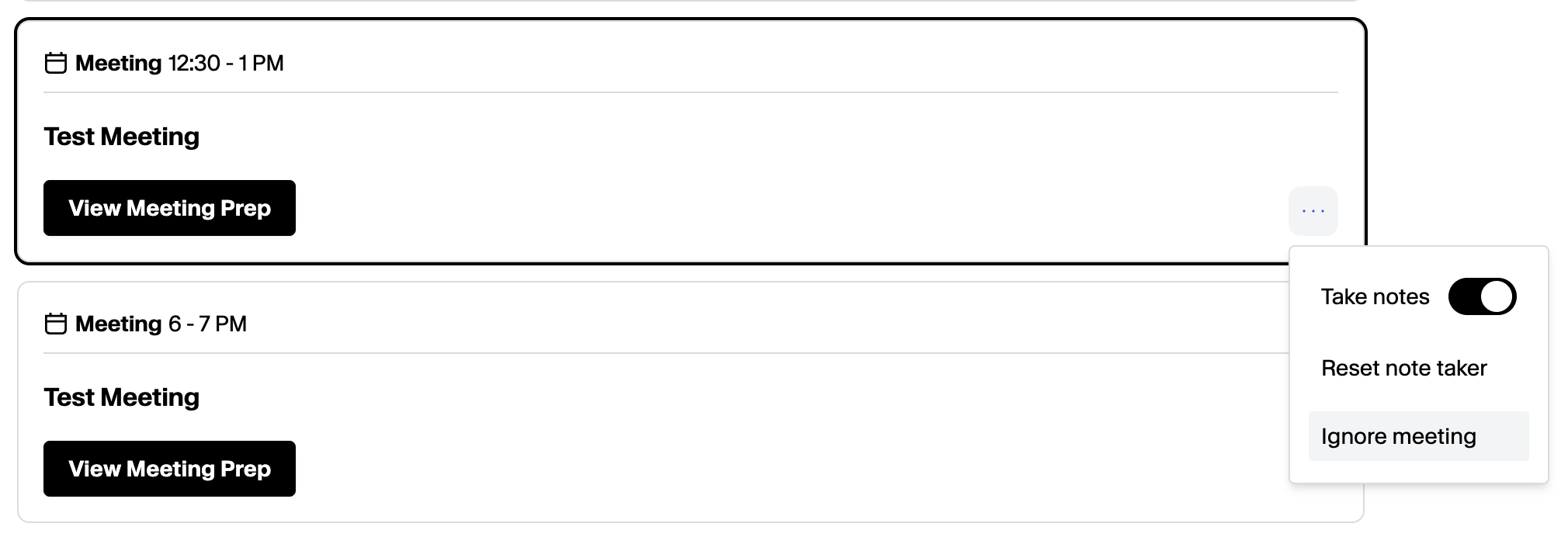
Ignore Meetings: Recurring or By Keyphrase
Ignore Meetings: Recurring or By Keyphrase
Head to Settings → Meeting SettingsClick on ‘Add Meeting Type’ and toggle the ‘Ignore Meeting Type’ indicator. Then add the phrases you would like to Ignore going forward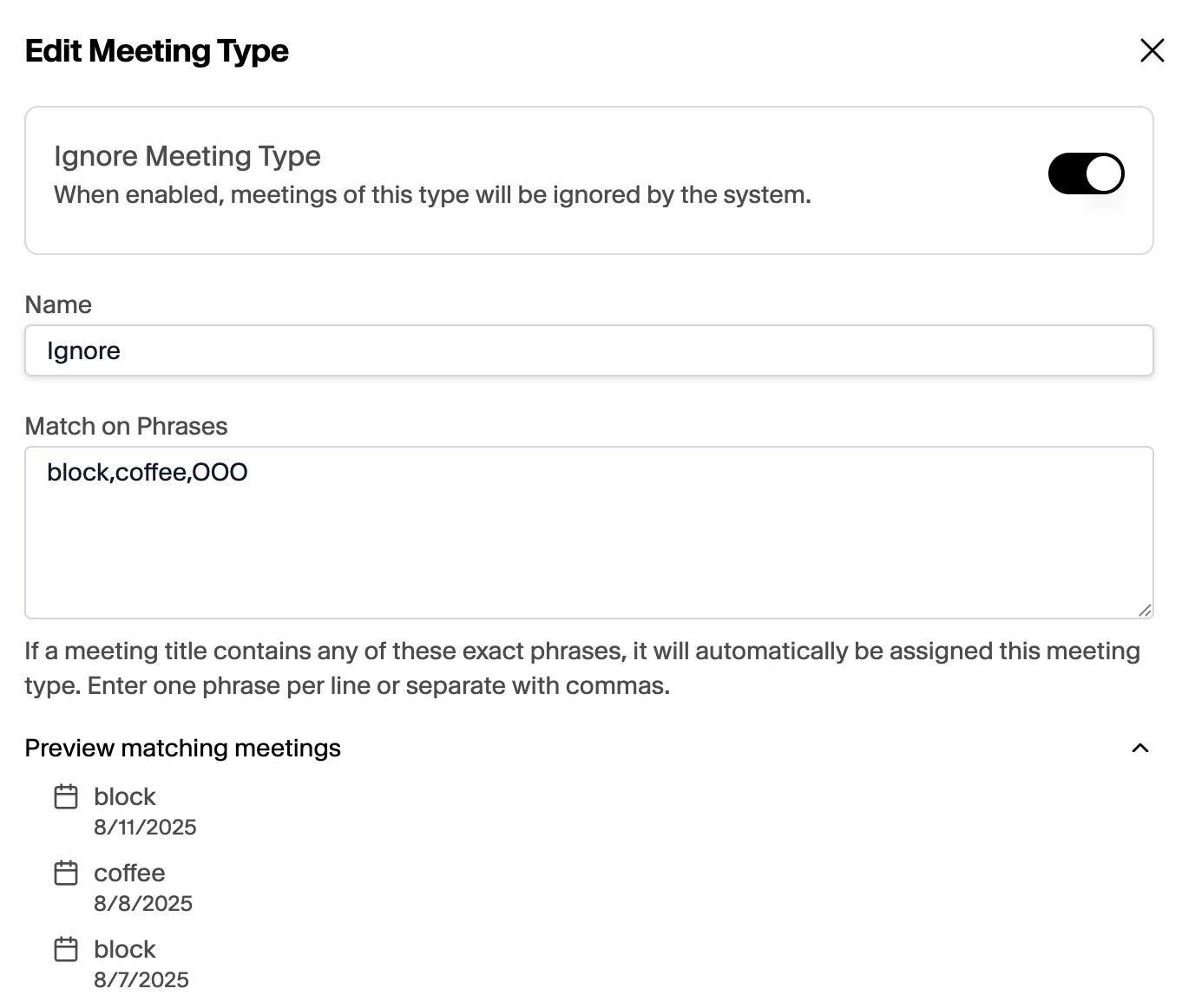
Restoring Ignored Meetings
Restoring Ignored Meetings
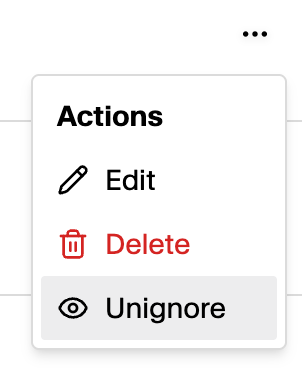
To restore ignored meetings, head to the Meetings view, navigate to the ‘Ignored’ tab, and update the Meeting Type of the meeting to a non-ignored meeting type or ‘Unignore’.