

Intelligent Client Profiles Webinar
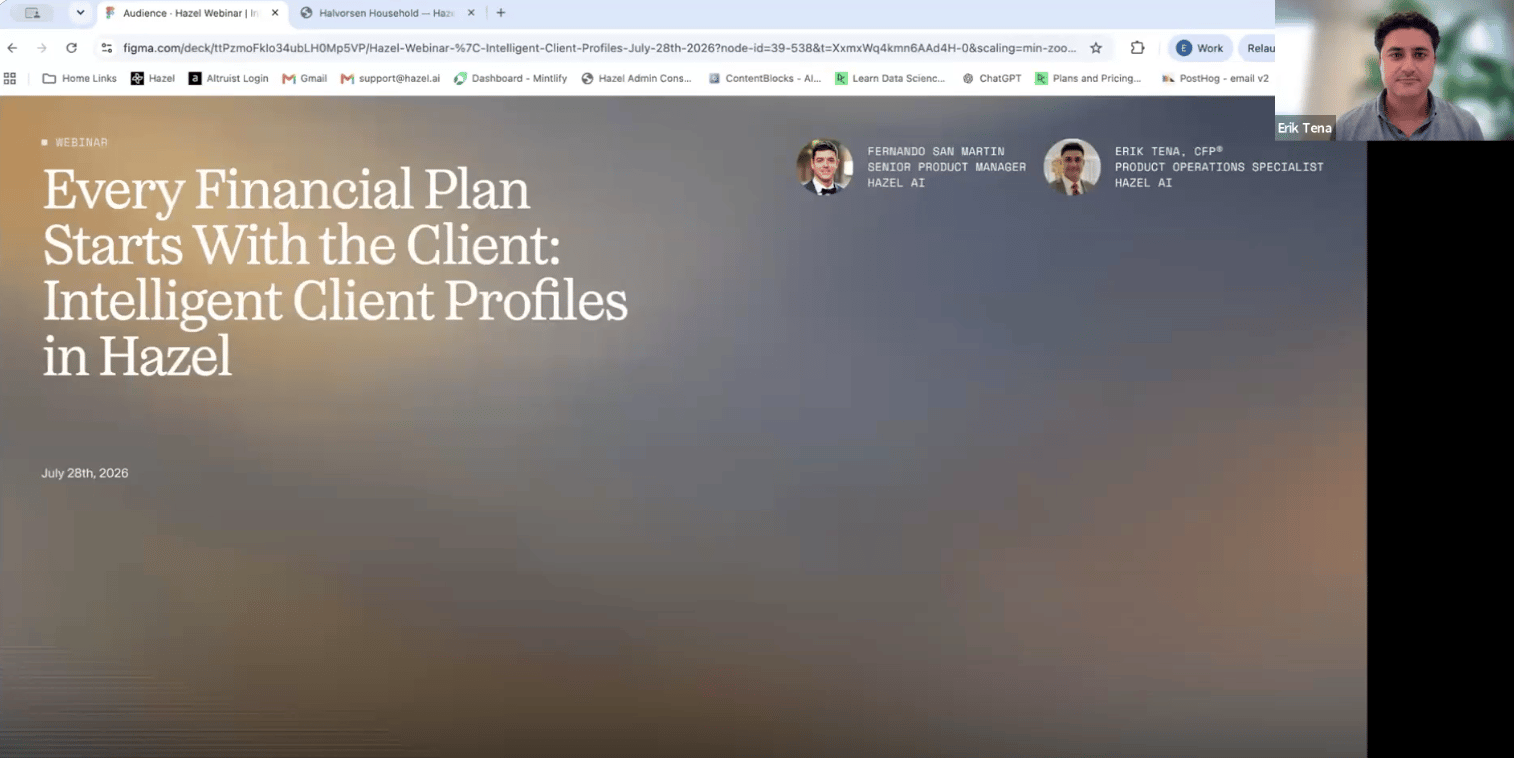
What is an Intelligent Client Profile?
Hazel builds an Intelligent Client Profile for every household and contact: a living record of the lasting facts about each client. Who’s in the family, what they earn and own, how they’re protected, what they’re working toward, all captured automatically from your recorded meetings, the emails clients you send, the documents you upload, and the notes you write. Every fact carries its source. Click any value and Hazel shows you where it came from: the meeting, email, or document, and the date. Facts heard in a meeting or read in an email come with the client’s own words; facts from a document link to the file itself. Nothing is a black box.Why it matters
- Nothing gets lost between meetings. A detail mentioned once in March is still there in November, filed under the right person, with the date it was said.
- Hazel actually uses it. Ask Hazel about a client and the profile is the first place Hazel looks: on the household page, in chat, in meeting prep, and in financial planning. The household Summary tab is written from it, sentence by sentence, with clickable citations. A better profile makes everything Hazel does for that client better.
- Update it by talking to Hazel. “The Hendersons paid off the HELOC and opened a 529 for Maya.” Tell Hazel what changed, review the updates Hazel lays out, confirm, and the profile is current. No forms, no fields.
- You stay in charge of quality. New information lands in a Review queue where you can confirm it in one click. Verified facts are treated as confirmed; anything unverified is clearly labeled, and gets called out as unverified whenever Hazel uses it, rather than presented as settled.
- Your whole team works from one profile. Everyone with access to the client sees the same profile. When one of you confirms a fact or fixes a number, it’s fixed for everyone.
How it works, in one minute
- You meet with a client (with the Hazel notetaker recording), a client emails you, you write a note, or you upload a statement or tax return to the Documents tab.
- Shortly after, Hazel adds any lasting facts to the client’s Data tab, each with its source and, for conversations, a verbatim quote.
- New information is flagged in Review, where you confirm what’s correct and what isn’t, and tell Hazel who a fact belongs to when that wasn’t clear.
- Between meetings, you can keep profiles current by simply telling Hazel in plain English what changed, and confirming the updates.
- Over time, each client builds a complete, source-backed profile without you typing it into forms, and everything Hazel does for that client gets smarter.
Hazel records only what was actually said or written, never a guess, an estimate, or a calculation. If a client says “about $2 million across the IRAs,” that’s what gets recorded, not a computed total or a projection.
Where to go next
- New to it? Start with Getting Started.
- Need a Demo? Watch the ICP Webinar Replay.
- Ready to work with the data? See Managing Client Data.
- Want the habits that make profiles great? See Best Practices.
- Stuck or curious? See Troubleshooting & FAQ.