> ## Documentation Index
> Fetch the complete documentation index at: https://docs.hazel.ai/llms.txt
> Use this file to discover all available pages before exploring further.
# Integrations
## Managing Integrations
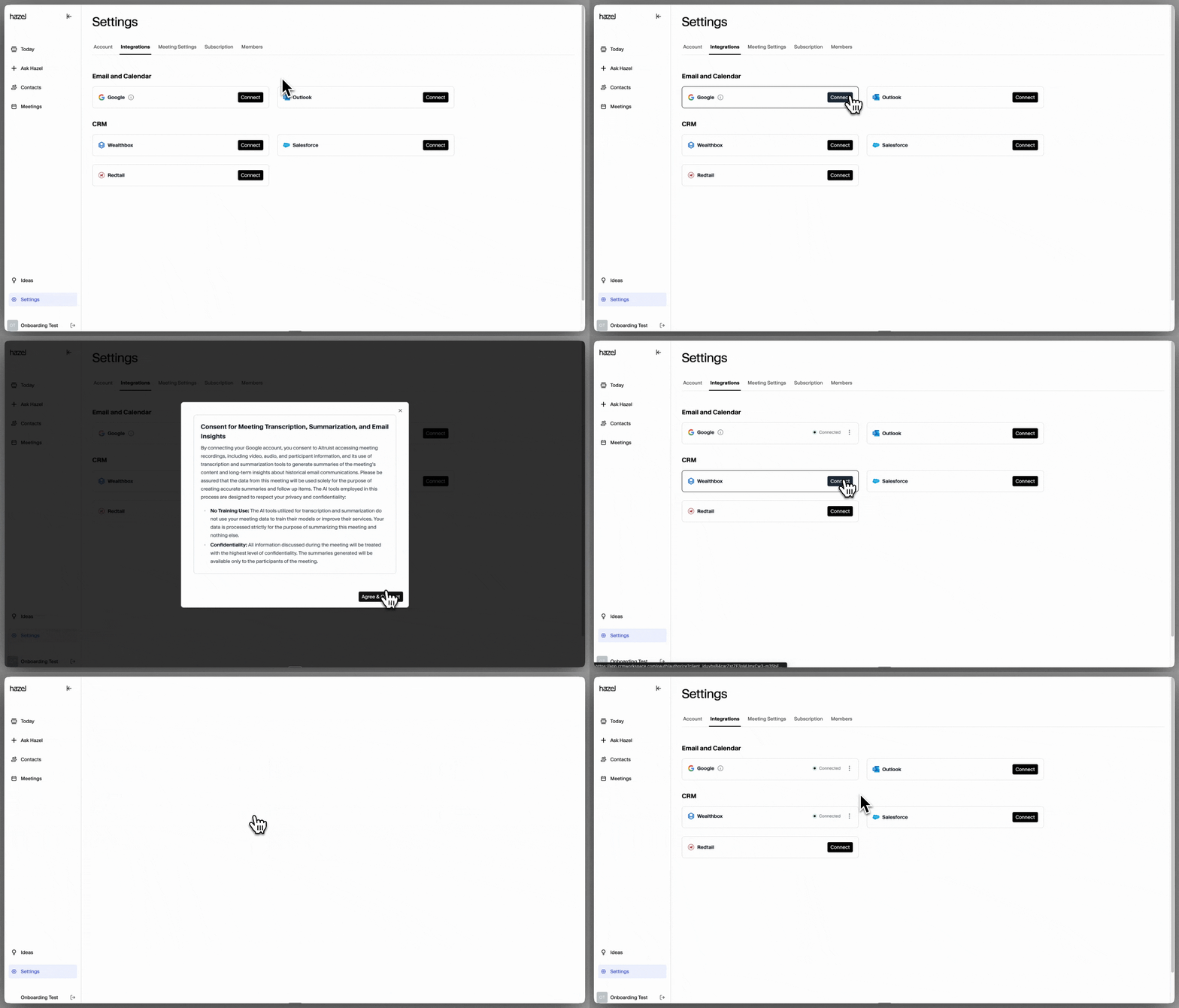
Connect Hazel with your CRM, email, calendar and more. If you didn’t connect during the onboarding flow or would like to check on your connections, simply head to **Settings → Integrations** to manage your integrations.
 ## Integration Status
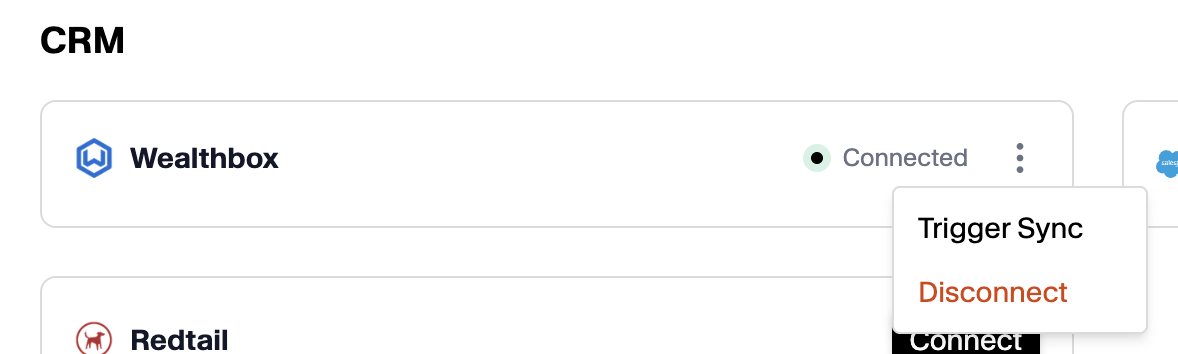
Once you go through the permissions and set up your integrations, there will be a green dot indicating you are **Connected.**
You can disconnect your integrations by clicking on the menu icon, then **Disconnect.**
You can refresh your CRM connection by clicking on **Trigger Sync.**
## Integration Status
Once you go through the permissions and set up your integrations, there will be a green dot indicating you are **Connected.**
You can disconnect your integrations by clicking on the menu icon, then **Disconnect.**
You can refresh your CRM connection by clicking on **Trigger Sync.**